A highly productive environment is exactly what businesses look for, particularly when Microsoft 365 and Dynamics 365 drive their daily operations. Although both of these enterprise-grade platforms support native automation, organizations often require an extra push for specific custom workflows.
For example, employees often need tailored solutions for approval workflows, stock checks, or time-tracking systems. By relying on Microsoft Power Apps, businesses can simplify their operations through the creation of custom business apps.
Microsoft Power Apps is a low-code development platform within Microsoft Power Platform family. It offers a suite of tools, services, and connectors that let users build custom business applications with ease. These apps can be created and deployed for web and mobile use. Users with or without technical knowledge can use this platform to create apps.
Non-technical users can use drag-and-drop functionality and pre-built templates to build apps, which work across web browsers, tablets, and mobile devices. App developers can combine Azure Functions, custom APIs, and other advanced tools to create complex business apps.
Organizations can significantly reduce their reliance on traditional software developers for building custom business apps.
Delivering Value Within the Dynamics 365 Environment
In a Dynamics 365 business environment, transformation starts with combining Power Apps with Dynamics 365. Custom apps are often required to simplify operations. These business apps can be created using Power Apps for any operational or customer-facing activity.
Dynamics 365 uses Microsoft Dataverse as its native underlying database. Because Power Apps seamlessly connects with data stored in Dataverse, it uses this data to build custom apps extending standard ERP or CRM capabilities without disrupting core functions.
There is no need for complex data mapping or connectors for Power Apps to read the data within Dataverse.
Developers can use Power Apps to build two distinct types of apps:
Model-Driven Apps
Users can build custom apps directly on top of existing Dynamics 365 data without data migration or custom coding. Power Apps utilizes the tables such as accounts, leads, or work orders, relationships, data layouts, and forms already stored in Dataverse to instantly create a fully responsive application layout.
Canvas Apps
In this approach, users start with a blank screen and design the application visually by dragging and dropping text boxes, buttons, and images onto a canvas. They can add custom business logic using Power Fx formulas to completely control the user interface design. This layout is then connected to Dynamics 365 data via native Dataverse connectors.
Extending Microsoft 365 with Power Apps
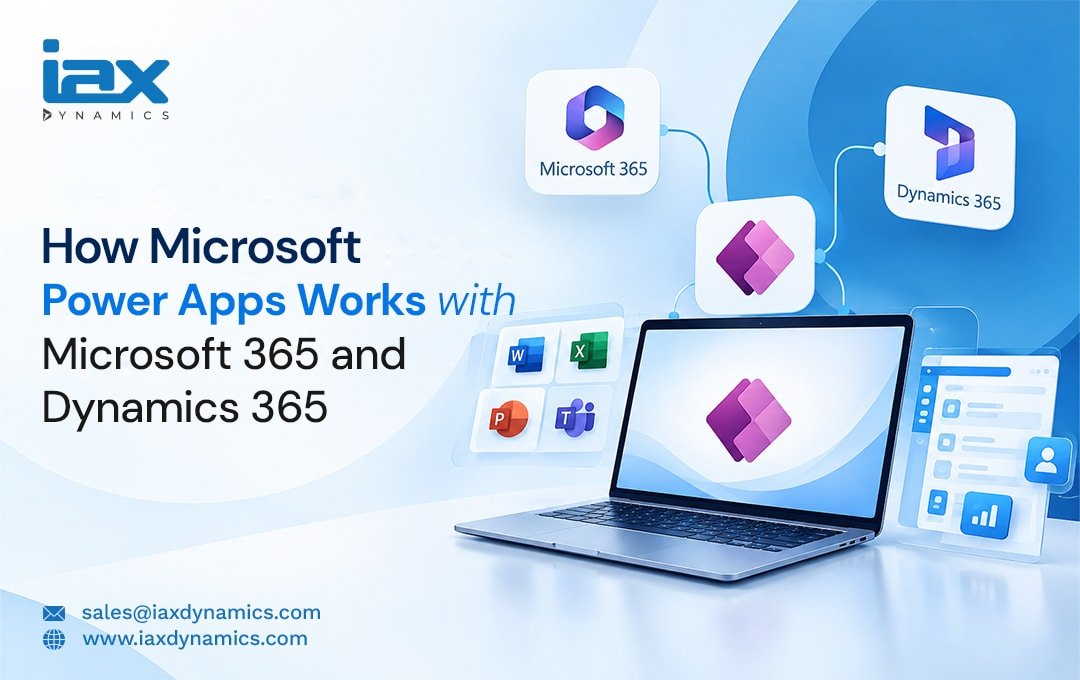
Like Dynamics 365 integration, Power Apps seamlessly connects with Microsoft 365, working hand-in-hand with daily productivity tools like Microsoft Excel, Teams, SharePoint, and Outlook.
SharePoint and OneDrive Integration: Teams can build custom apps using the data already stored within SharePoint and OneDrive. The app allows users to interact with data in real time. Within the app, users can easily add a new row to a SharePoint list, insert new lines into an Excel table, or search, filter, and view existing records dynamically.
They can also edit active files or delete outdated information securely. Moreover, users can upload and manage attachments, and trigger automated background processes via Power Automate—such as sending instant email alerts or routing manager approvals.
Microsoft Teams Integration: Users can embed published apps directly into Microsoft Teams channels to be used for logging requests, tracking projects, or filling out forms—all without leaving their primary workspace.
Outlook Integration: Custom canvas or model-driven apps can be embedded directly into Outlook. These apps automatically pull the details of the customer based on the email they send, displaying context-rich records right inside the inbox. This eliminates the need for switching between apps to view customer history, update active tasks, or log critical operational data.
Maximize ROI with Microsoft Power Apps Implementation Services
The integration across both platforms delivers exceptional experiences to users in various departments. Apps can be created and tailored to specific workflows within the D365 environment, whether it is for cross-system data unification, simplifying field service operations for technicians who do not have full access to Dynamics 365, or capturing customer details during live business interactions.
In short, Power Apps simplifies the way a business functions, and its potential can be maximized through a strategic Microsoft Power Apps implementation. It helps organizations develop solutions to simplify various tasks across multiple processes.
Because users from diverse professional backgrounds can develop custom apps without writing code, it truly benefits businesses by eliminating the need to hire expensive external developers or spend heavily on rigid third-party software.
Before jumping into your implementation, it is highly recommended to seek expert Microsoft Power Apps consulting from IAX DYNAMICS.
Their experienced professionals change the game through structured Power Apps deployment and seamless connectivity with Dynamics 365 and Microsoft 365. They ensure you can tap into every hidden opportunity by utilizing the platform’s full low-code capabilities. No matter how complex your underlying business processes are, you can simplify them completely through expert Microsoft Power Apps Implementation.
Connect with our professionals for expert guidance on Dynamics 365 integration with Power Apps.
FAQ Section
Why your business need Power Apps Services?
Power Apps services helps you accelerate transformation through the development of custom business apps. Dedicated business apps make operations simpler, meet specific process needs, and reduce operational costs. Power Apps provides the capabilities that let non-technical users and programmers to create apps to meet specific goals.
Can I subscribe to just Power Apps?
Yes, you can subscribe to Power Apps separately without needing to purchase the full Microsoft Platform.
What are the features of Power Apps?
- Low-code development
- Custom business apps
- Business automation
- AI and data insights
- Integration
- Responsive design